

1
Open the field, then What is growing
The page shows the current planting with its variety, the date it was planted and the area. A field with no planting starts with Plant a new variety.
2
Record harvest
On the planting, tap Record harvest and enter the date, the yield in tonnes, the moisture, and the grade if you have it. Then save.
3
Or from +
The + sheet on Harvest asks for the field and opens its plantings, then the same form.
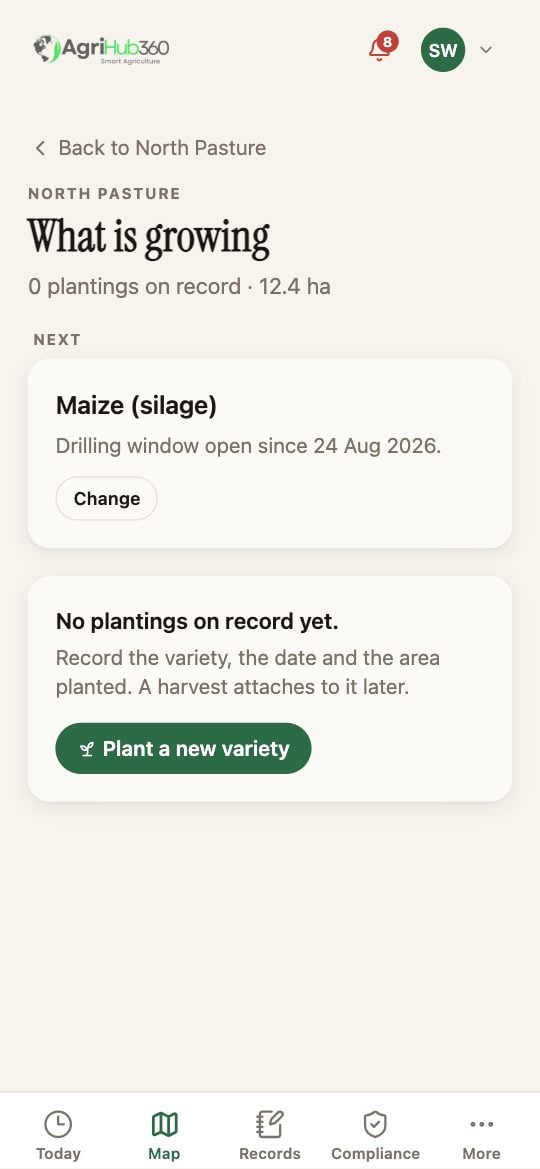
What is growing: the current planting and the next crop.
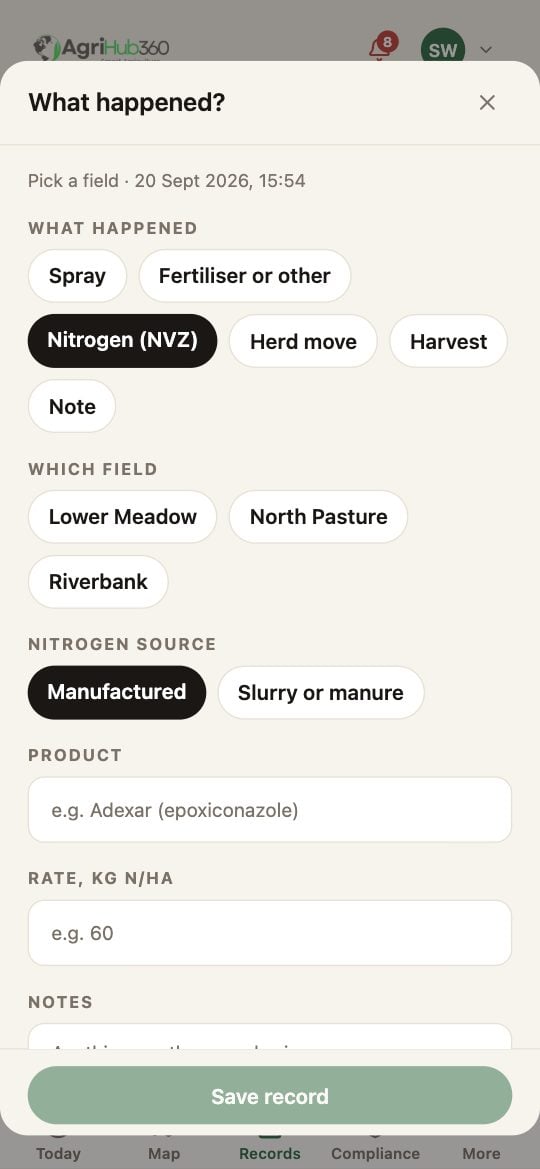
The + sheet on Harvest.
What You See Next
The yield is on the planting and in the field’s profit and loss. The variety evidence page keeps the yield against the variety across seasons.If It Does Not
Related: Variety Evidence, Per-field Profit and Loss.