

1
Open the Agronomist page
The card Answers waiting for your say shows how many there are. Tap it.
2
Read the question and the draft
You see the grower’s question, the field it is about, and what the assistant would have said. The assistant does not answer crop protection questions itself; it holds them.
3
Approve, edit or refuse
Send the draft as it is, change it, or write your own. The grower sees it in the conversation as Checked by you.
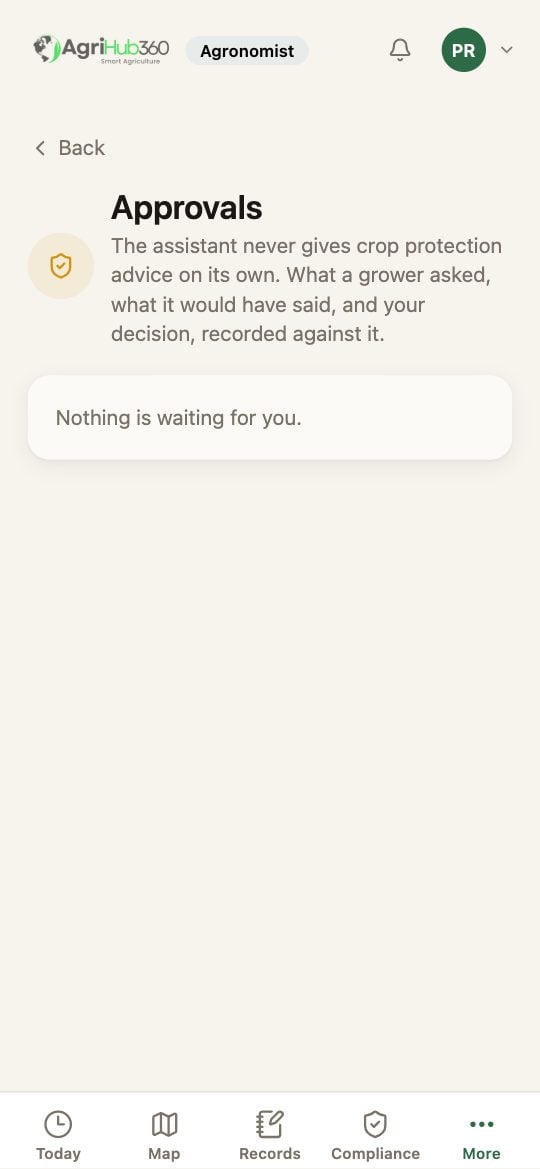
The approvals inbox: questions held for the agronomist.
What You See Next
Your answer is in the farm’s record with your name and the time. A grower who asks the same thing again gets the same answer.If It Does Not
Related: Let the Assistant Draft a Record, Document Drafting.