

1
More, Profile, then Two-factor authentication
Tap Set up authenticator app.
2
Scan the code
Scan the QR code with the app, or type the key it shows. Enter the six-digit code the app gives. Confirm & enable.
3
Sign in from now on
You enter your password, then the code from the app. If the phone is lost, the emailed code still signs you in; turn the authenticator off and on again from this page.
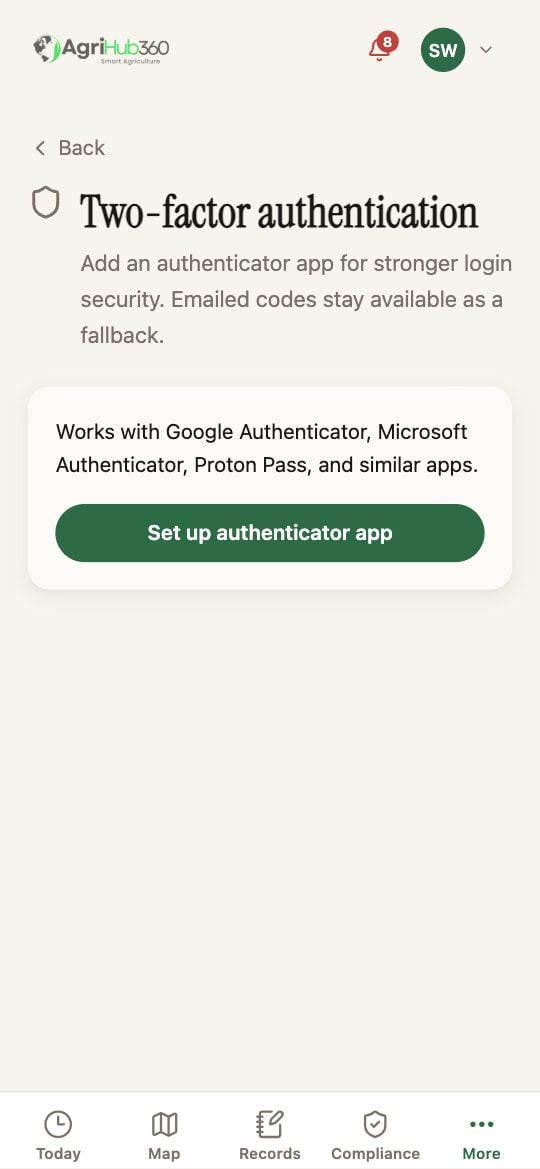
Two-factor authentication, with the setup button.
What You See Next
The page reads “Your authenticator app is on”. Disable authenticator asks for a current code.If It Does Not
Related: Two-factor Sign-in.